.svg)



Key Points
The exposures that cause problems are rarely the ones teams know about. They're the forgotten admin panel, the unintentionally reachable database, the service nobody owns anymore, the things quietly facing the internet that no one's watching.
Our 2026 Attack Surface Management Index looked at anonymized data from 3,000 organizations to understand the most common attack surface issues:
- 60% had at least one exposed HTTP panel, like WordPress Admin, Dell iDRAC, or phpMyAdmin.
- 49% had exposed ports and services, with Remote Desktop (RDP) topping the list.
- 42% had a database exposed to the internet, most often MySQL, Postgres, or MS SQL.
Intruders Attack Surface View gives you visibility into these kinds of risks in one place so you can proactively remove what shouldn’t be exposed and reduce risk. It's now available on Cloud and Pro.
Your whole perimeter, in one view
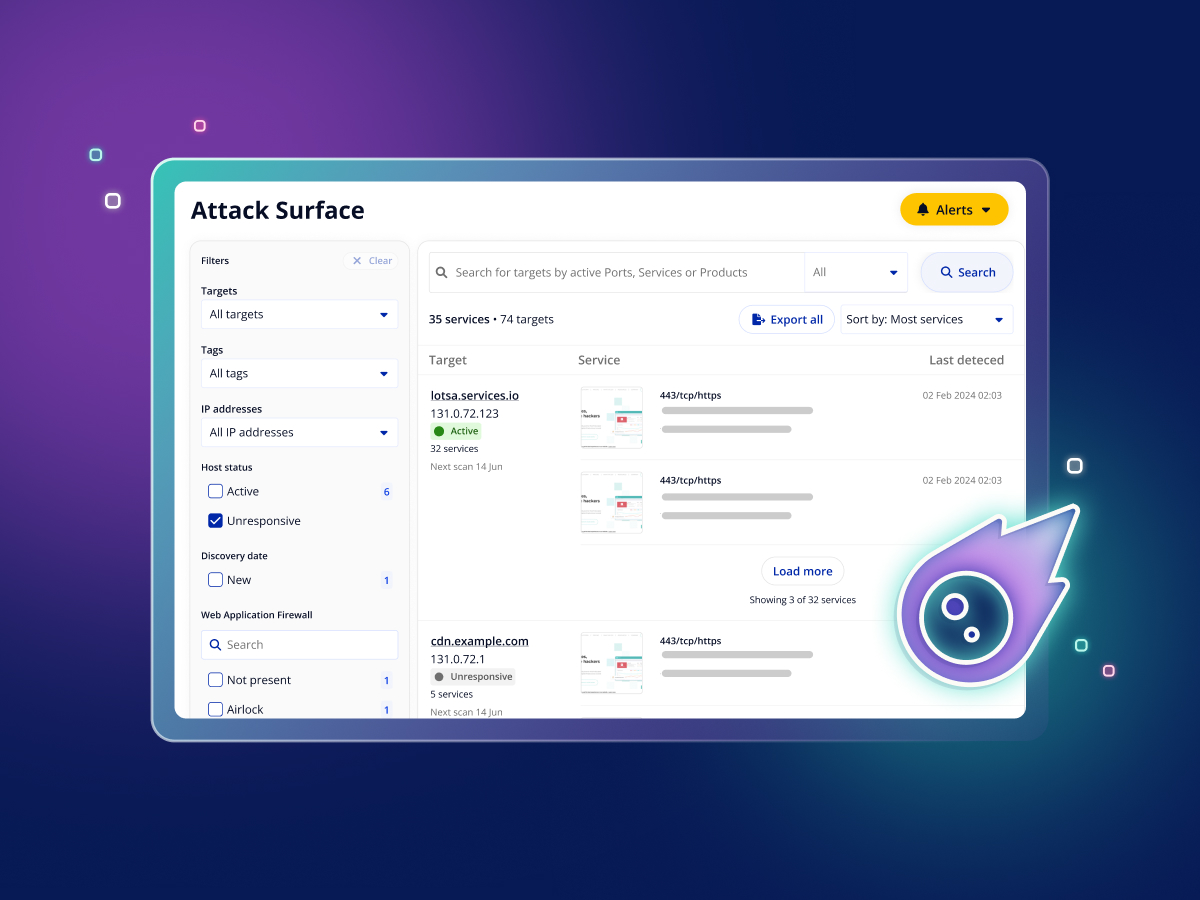
Head to the left nav bar and open the Attack Surface View to see a single list of everything exposed across your targets: every monitored port, the service running on it, and the software version behind that service.

Attack Surface View is built to answer the question every security team has: is anything here exposed that shouldn't be?
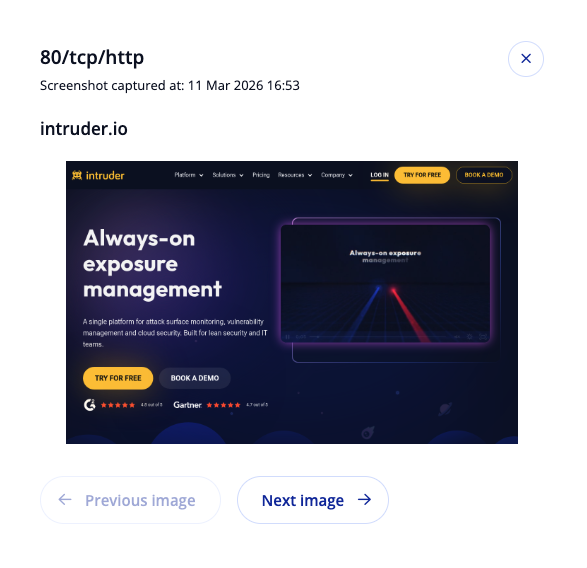
Each exposed web service comes with a screenshot, so you can tell what's running at a glance. A port number tells you something is open. A screenshot of the login page tells you it's a forgotten admin panel.
When you're looking for something specific, search or filter by port, service, or product to see every target running it. So if a new vulnerability drops in OpenSSH tomorrow, you can find every host exposing it in seconds, rather than working through targets one by one. Filter by host status or certificate expiry to surface things like a service that's newly appeared or a cert about to lapse.
Which ports are being monitored?
The Cloud plan monitors the 10 most commonly exposed ports. Pro customers get coverage across the top 50, and the Enterprise plan provides complete coverage across all 65,535 ports.
Remove what doesn’t need to be there
Intruder already flags exposed services and security issues automatically, so the risks that need attention surface on their own. The attack surface view adds another layer: the full picture of what's facing the internet so that you can apply your own policies on top.
Because some of what shows up belongs there: your web apps, your APIs, the services meant to face the internet. The value is spotting the things that don't, like the forgotten admin panel, the database that was never meant to be reachable, or the legacy service nobody owns anymore. Once they're in front of you, you can take what's unnecessary off the internet and lock down what needs to stay.
That's the core of attack surface management: reduce what's exposed today and you're harder to attack tomorrow.
You'll find it under Attack Surface in your portal. Not using Intruder yet? Start a free trial and see what's exposed across your own perimeter.

Vulnerabulletin



.png)