
Intruder for

Eliminate alert fatigue and focus on real risks
The volume of vulnerabilities is growing, but not every one matters. Intruder makes it easy to know which ones to action and which ones to snooze.
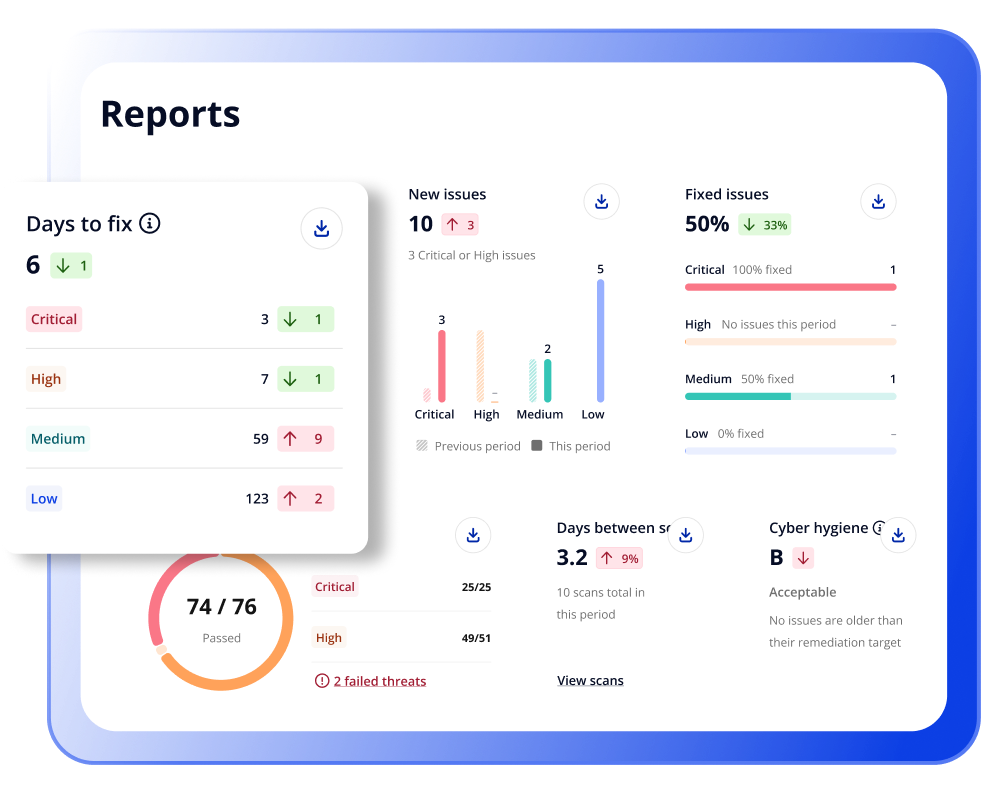
Join 3,000+ companies securing their attack surface with Intruder









Reduce noise
Security teams are stretched and an inbox full of alerts doesn’t help. When Intruder tells you something needs attention, you can trust that it does.
.svg)
Prioritize what’s being exploited
Intruder combines risk and exploitability signals so you can patch the vulnerabilities attackers are actually going after in your environment
.svg)
Fix critical risks faster
Get issues that need human oversight to the right people fast with automated triage and 15+ workflow integrations.

Connect and scan
.svg)
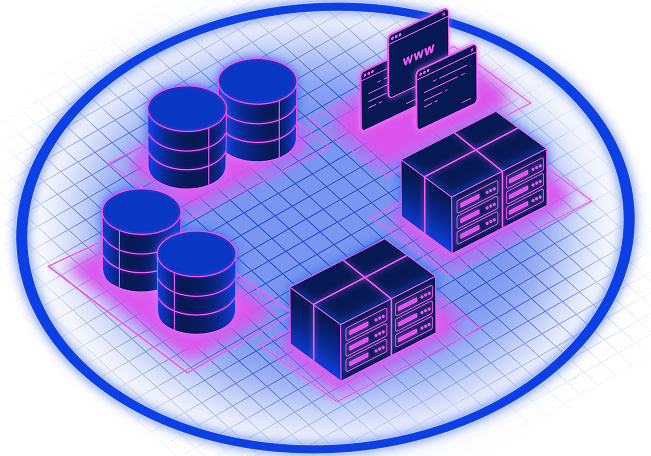
Connect your cloud accounts or enter your targets to start scanning, no agents required. Regular scans run across your web apps and external attack surface. Emerging threat scans kick off automatically when new high-impact vulnerabilities are disclosed or a change is detected in your environment.
Triage and prioritize
Every vulnerability and attack surface issue lands in a single issues view with CVSS score, EPSS exploit likelihood, and KEV status alongside it. Filter by exploit likelihood or specify an EPSS threshold to cut straight to the vulnerabilities most likely to be exploited. AI pentesting agents investigate issues to confirm exploitability and give teams time back.
Route issues to the right team
Get alerts in Slack or Teams when things need fixing. Automatically send issues to Jira, GitHub, or ServiceNow along with all the context and remediation instructions for your engineers. No copy-pasting, no spreadsheet triage.
.svg)
Find what's exposed, fix what matters, and stay ahead of new threats

External Scanning
Infrastructure Security

Attack Surface Monitoring
Respond to changes

CSPM
Daily cloud config checks

Asset Discovery
Reveal unknown targets

DAST
Secure web apps

Risk Based Prioritization
No more alert fatigue

Cyber Hygiene Reporting
Demonstrate progress

Emerging Threat Detection
Check and act fast

Container Image Scanning
Automated image discovery

Secrets Detection
Prevent leaked credentials

Website Security
140k+ checks

API Security
Test your APIs

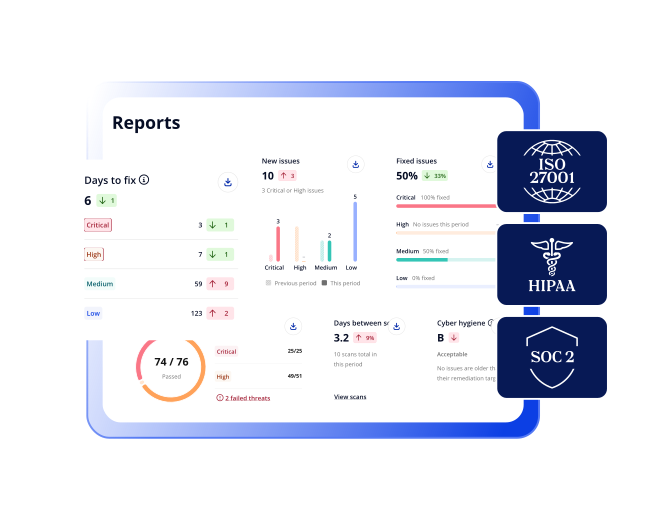
Compliance
SOC 2, ISO, HIPAA, DORA

Internal Scanning
Secure employee devices
Our customers love Intruder

.png)


.avif)
.svg)
.png)


One platform. Continuous security.
Yes, you can! Learn all about how to scan SPAs with Intruder here.
The first thing you need to do is add your website as a target by entering its IP address or url. You can then kick off your first scan in just a few clicks – it’s that simple!
Intruder’s website security scans check for web-layer security problems such as SQL injection and cross-site scripting, as well as other security misconfigurations. Read more about Intruder’s checks here.
Your internal systems can be just as enticing to hackers as your external network so it’s important to test your website for vulnerabilities there too.
When we talk about scanning the website internally, we’re actually talking about scanning the web server that the website is hosted on. Web servers are internet-facing, but any sensitive information connected to them (such as databases) will sit behind a firewall, to prevent them from being reached by unauthorized individuals.
If ‘stuff’ can’t be reached externally, then remote checks won’t work and so you’d need to run local checks. At Intruder, all local/internal checks are performed via an agent which you’d install on the server.
Internal vulnerability scanning also hunts through your website for missing patches and detects insecure versions of many thousands of software components and frameworks, including operating systems and network devices. Find out more about internal vulnerability scanning.
Intruder works with many platforms, including WordPress, Drupal, Joomla, Squarespace and more.
Choose our Essential or Cloud plan to externally scan your website. If you are looking at our internal vulnerability scanning capability, this is only available to our Pro and Enterprise customers. Visit our pricing page to learn more.
Buy any of our Essential or Pro plans that cover infrastructure licenses by default. Head to our pricing page for more information.